01
Document intelligence
Extract the details that matter from scans, PDFs and medical images, then organize them into a clean clinical view.
Turn medical documents, dictated notes and brain MRI slices into accurate, structured clinical insight—without patient data ever leaving your infrastructure.
New Brain MRI tumor classification with explainable AI →Human-reviewed at every step
Built to assist clinicians, never replace judgment.
Patient presents for routine hypertension follow-up. Blood pressure remains controlled on current therapy with no new symptoms reported.
MedDoc AI brings document extraction, voice transcription, brain MRI analysis and privacy controls into one calm, focused workflow.
Extract the details that matter from scans, PDFs and medical images, then organize them into a clean clinical view.
Turn dictated consultations into structured SOAP notes, prescriptions and follow-up plans.
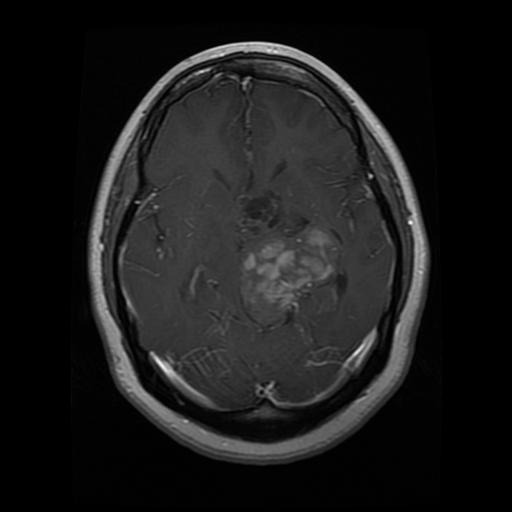
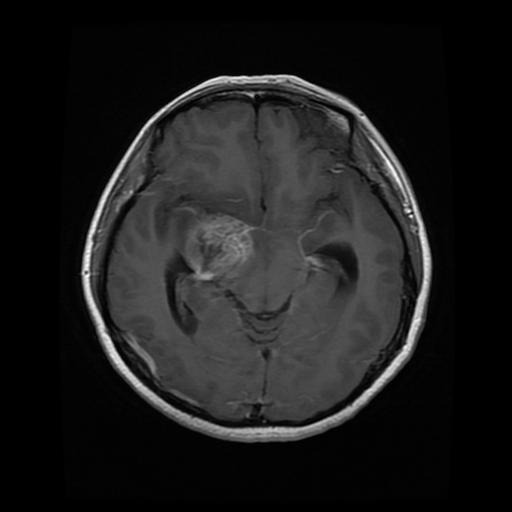
Classify a brain MRI slice as glioma, meningioma, pituitary adenoma or no tumor, with a heatmap of where the model looked.
See how it works →Detect sensitive identifiers, create masked copies and keep processing inside your own environment.
Upload a single brain MRI slice. MedDoc AI classifies it, shows where the AI focused and how confident it is — all on your own server.
Identifies glioma, meningioma, pituitary adenoma or no tumor from a single slice.
A heatmap shows which region of the slice drove the decision.
Photos, documents and other non-MRI images are blocked before analysis.
Every result shows how certain the AI is and highlights cases that need a closer look.

For research and education only — not a medical device and not a substitute for review by a qualified radiologist.
A guided workflow handles the repetitive parts of documentation, while keeping clinical review firmly in human hands.
Explore the document workspace →Add a PDF, scan, photo, recorded consultation or brain MRI slice in seconds.
Clinical details are extracted and organized, and MRI slices are classified with an attention map.
Edit every field, validate the note and approve only when it is ready.
Download a polished PDF, DOCX or structured data for your next system.
MedDoc AI is designed for private deployment. Documents, audio, MRI scans and clinical output remain within infrastructure you control.
Experience a calmer, faster way to create clinical records.